
An upgrade behind the scenes: what’s changing in Smart.pr
At Smart.pr, we are continually evolving the software you rely on every day. With ambitious plans for the years ahead, we’ve taken a decisive step forward: a complete rebuild of our frontend technology.
All features will continue to work the way you are used to, but under the hood everything has been rebuilt and enhanced with some great upgrades. In this article, we’ll explain what this means for you, what’s new, and what you can expect from us in the near future.
What exactly is the frontend?
The frontend is everything you see and use when you log into Smart.pr: your address book, database, mailings and your dashboard. Every interaction in your browser. Behind the scenes, much more is happening and that’s where we’ve made significant improvements.
Why this change?
Our previous frontend technology has served us well for many years. But as Smart.pr continued to grow, we began to encounter its limits. To keep Smart.pr future-proof, stable, and secure, working with modern technology is essential.
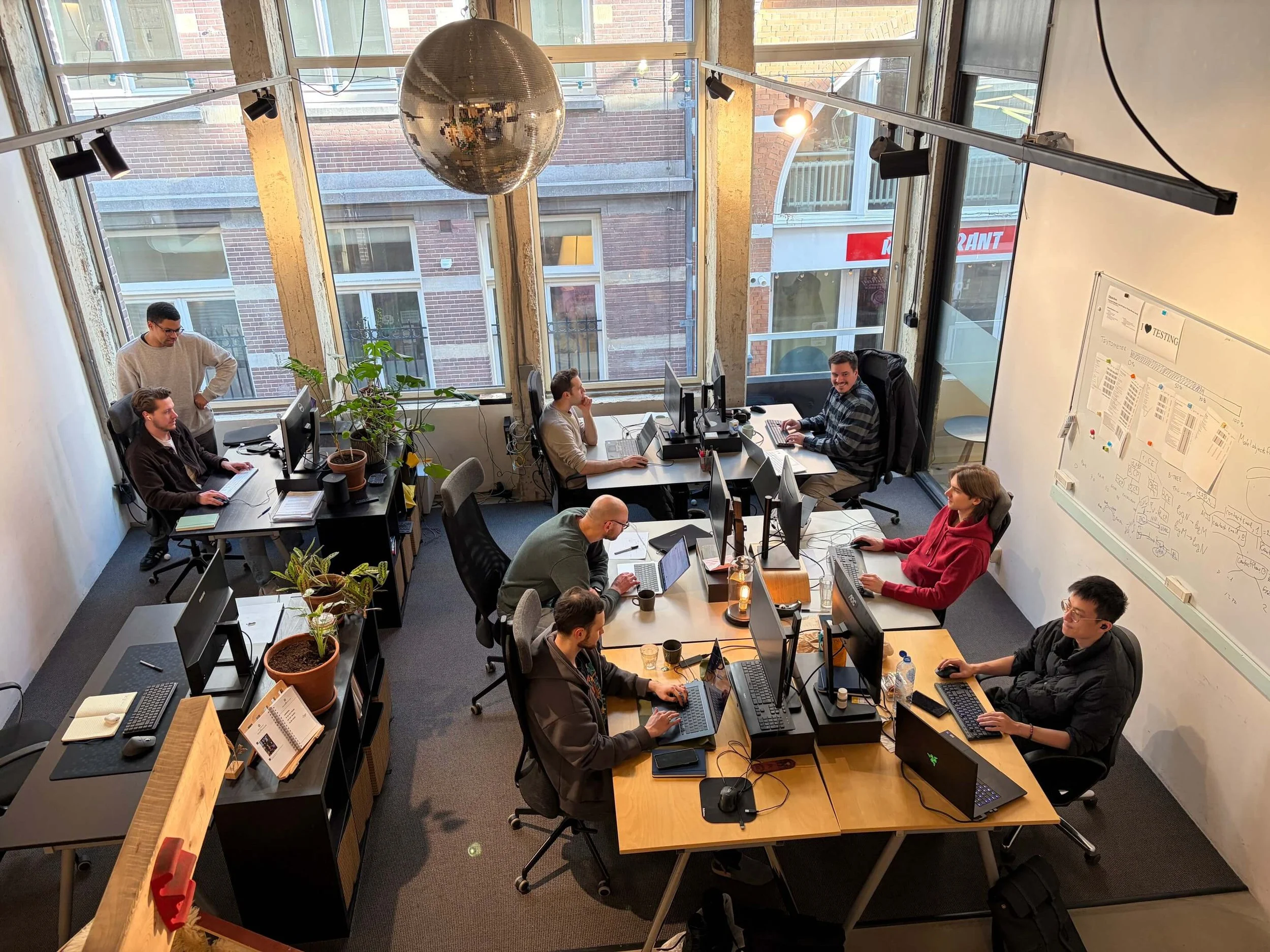
That’s why our Amsterdam-based development team spent the past months rebuilding the entire frontend framework from the ground up. It’s a major step, but a necessary one to continue improving the platform you rely on every day.
And for the tech enthusiasts among us: we now primarily work with TypeScript, React and Redux ;)
What does this mean for you?
First and foremost: your data is safe and all existing features will continue to work as you’re used to. The look and feel of Smart.pr remains largely the same, so you can continue working without disruption or surprises.
What’s new?
We took this opportunity to introduce several improvements. Here’s what’s new:
A completely new file manager
Upload multiple files at once, view previous uploads and search your files with ease. The file manager is now directly accessible from the main menu in the top right corner.
Bulk export of mailings
You can now export multiple mailings at once to PDF or Excel.
Newsroom fully integrated
The Newsroom module is now part of the main menu, no separate tab required.
Improved News tab
News feeds are more clearly structured and always visible in the left column. Grouping search results by author now has a more logical placement.
Refreshed dashboard and cleaner design
The dashboard has been updated and we’ve removed unnecessary icons next to search bars to create a cleaner, more focused interface.
Updated mailing screen and classic editor
The mailing creation screen now has a clearer layout and the classic editor has been given a fresh new design for a modern experience.
Do I need to do anything?
In most cases, no. We’re migrating customers to the new frontend step by step. For most users, it’s simple: log in and continue working as usual.
After logging in, you’ll automatically be directed to the new environment. You can recognize it by “v2” in your browser’s URL.
Still have Smart.pr open in an older tab? You’ll see a notification prompting you to switch. If you select “remind me later,” the notification will reappear after five minutes. Useful if you’re in the middle of something.
What’s next?
We’ll continue building on the most requested features and further expanding functionality around Newsrooms.
Thanks to this renewed technical foundation, our team can now implement improvements faster and more efficiently. You can expect regular updates from us in the coming months.
As always, we value your feedback and ideas. That’s how we continue building the future of Smart.pr together.
Important:
If you run into anything unexpected, let us know right away via chat or phone. During the transition period, we’re offering 24/7 chat support. If necessary, we can temporarily switch your account back to the previous version so you can continue working without disruption.